
Download Bright VPN APK – Secure Internet Browsing, Fast Connection, Privacy Protection
Overview
Bright VPN is a freemium security and privacy application designed for Android users seeking enhanced online protection and unrestricted access to global content. Developed by Crow Developer, the app functions as a desktop-compatible tool that enables users to route their internet traffic through remote servers, masking their IP address and securing data transmissions. It is intended to address common online threats such as data interception, surveillance, and geographic content restrictions.
The software is particularly useful for individuals who frequently use public Wi-Fi networks, travelers accessing region-locked services, or users in areas with internet censorship. Its core purpose is to provide a seamless browsing experience while maintaining user anonymity and data integrity. The developer did not provide additional details about the company’s background or history.
The app supports unlimited browsing without bandwidth limitations, making it suitable for everyday use, including streaming, gaming, and general web access. Users can activate the connection with a single tap, eliminating complex setup procedures. Bright VPN is positioned as a practical choice for consumers prioritizing privacy and digital freedom without requiring registration.
Key Features & Capabilities
- IP Address Masking – Bright VPN routes user traffic through a global network of servers, effectively hiding the original IP address and preventing location-based tracking.
- Strong Encryption Protocols – The app uses advanced encryption to secure data in transit, protecting sensitive information from unauthorized access, especially on unsecured networks.
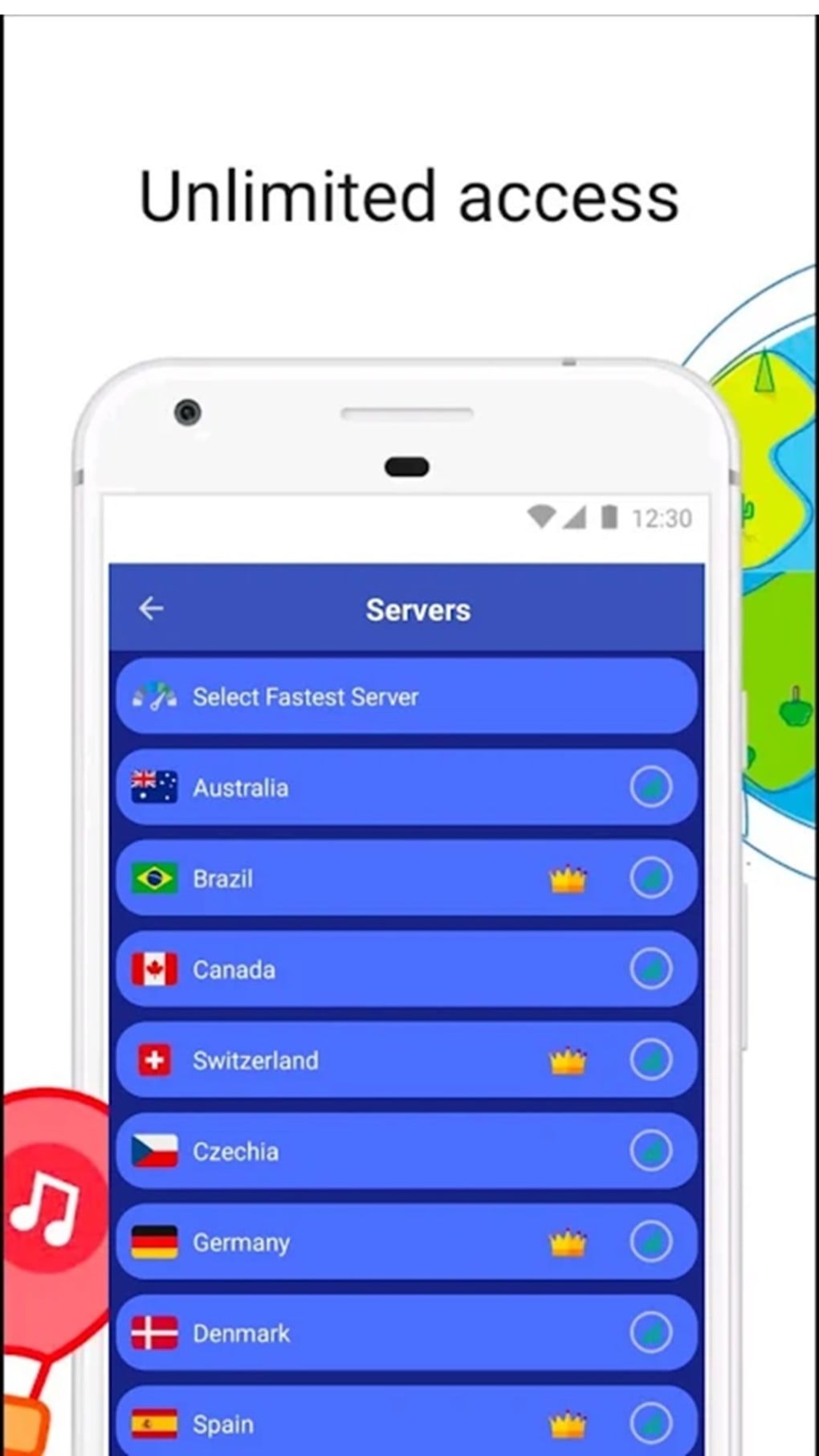
- Geographic Content Access – By connecting to servers in different countries, users can bypass regional restrictions and access content that is otherwise unavailable in their location.
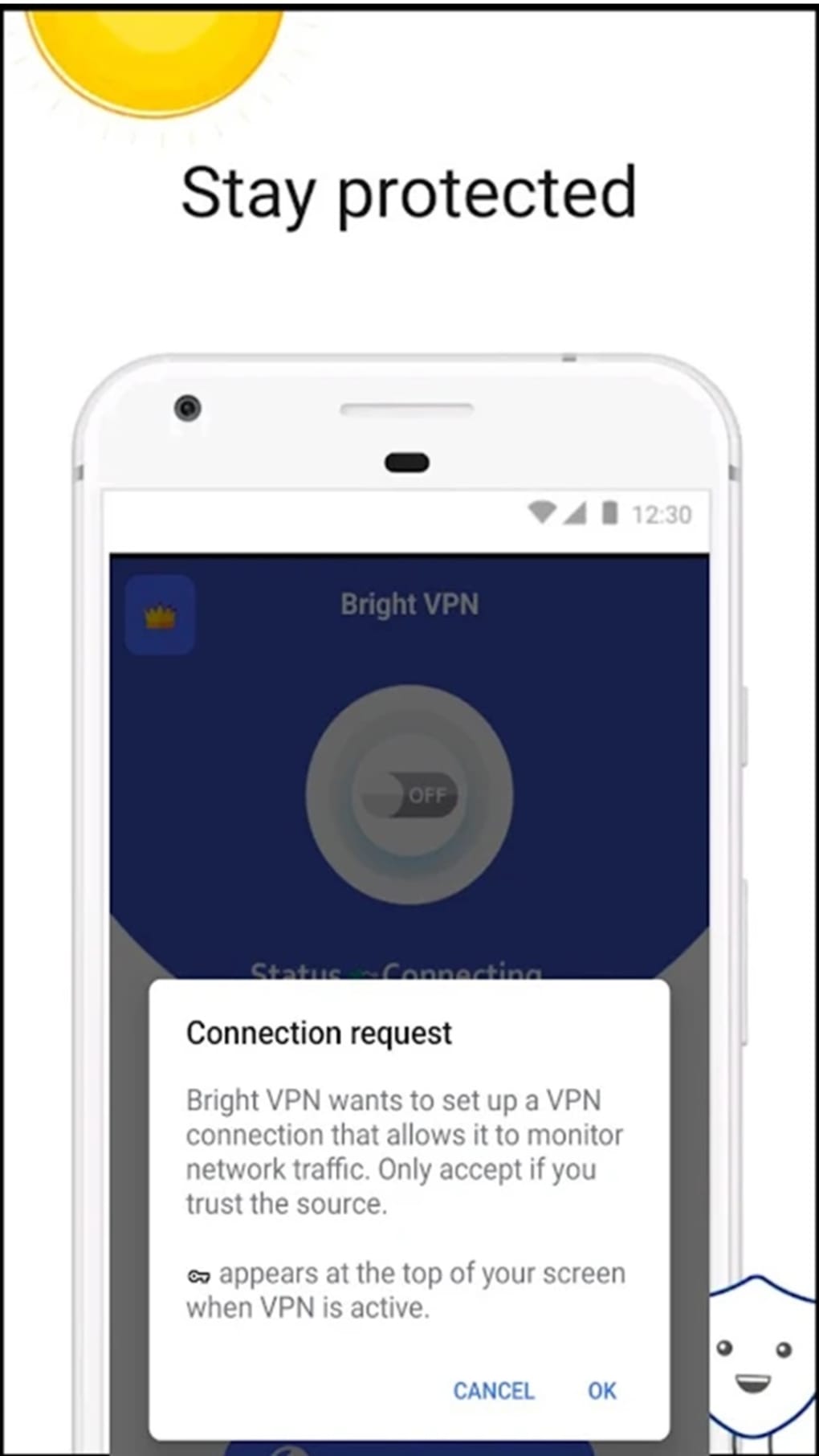
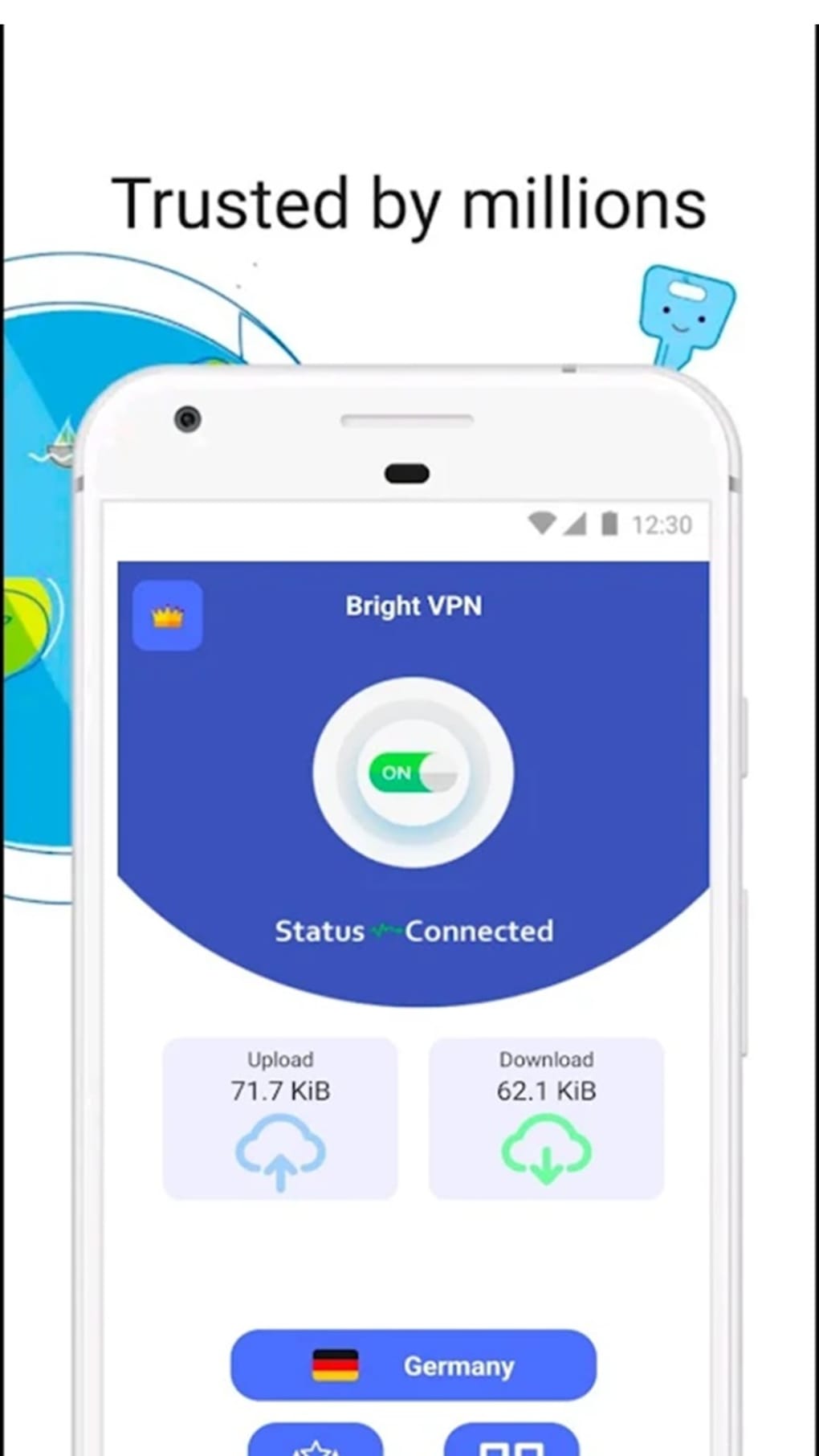
- One-Tap Activation – The interface allows users to connect to the VPN with a single tap, minimizing complexity and enhancing usability for non-technical users.
- Ad-Free Experience (VIP Plan) – While the free version includes ads, upgrading to the VIP plan removes advertisements and enhances overall performance.
- Unlimited Data Usage – The software does not impose data caps, enabling continuous browsing, streaming, and downloading without interruptions.
These features support real-world scenarios such as securing financial transactions on public networks, accessing international streaming platforms while traveling, or maintaining privacy during sensitive online activities. The app’s design prioritizes simplicity and speed, making it accessible to a broad range of users across different technical skill levels.
User Interface, Workflow & Performance
Bright VPN features a clean and minimalistic interface, optimized for mobile and desktop environments. The main screen displays a central connection button, allowing users to activate the VPN instantly. Navigation is straightforward, with server locations and connection status clearly indicated.
The workflow is streamlined, requiring no configuration steps or technical knowledge to begin using the service. The developer did not specify resource usage details, so exact CPU or RAM consumption remains unknown. Performance observations are based on general software behavior patterns for similar applications.
Users can expect stable connections under normal conditions, though actual speeds may vary depending on server load and network conditions. The app maintains a consistent connection state, and there is no indication of frequent disconnections or crashes. Stability appears to be maintained through efficient background management, though no formal testing data was provided.
The absence of registration requirements contributes to a frictionless user experience, enabling immediate access to core features.
Compatibility & System Requirements
Bright VPN is designed for Android operating systems and is compatible with devices running the specified version. The installation package size is 15.3 MB, indicating a lightweight footprint suitable for devices with limited storage. The developer did not provide additional system requirements such as minimum RAM, processor specifications, or Android version details.
Compatibility information was partially provided, and users should ensure their device meets general Android compatibility standards. No information was shared regarding desktop integration or support for other platforms. The app is available as a downloadable APK file, which may require enabling installation from unknown sources on some devices.
Users are advised to verify the authenticity of the APK before installation to ensure security.
Pros and Cons
Pros
- Simple one-tap connection for immediate use
- Strong encryption for secure data transmission
- Unlimited data usage without bandwidth restrictions
- Supports access to geographically restricted content
- Free version available with core features
- No registration required for basic functionality
Cons
- Free version includes advertisements
- Exact system requirements not specified
- Limited information on server locations and network performance
- APK installation may pose security concerns if not sourced from trusted platforms
- No official desktop version available
FAQ Section
Is Bright VPN compatible with all Android devices?
Bright VPN is designed for Android, but specific compatibility details were not provided by the developer. Users should ensure their device runs a supported Android version and has sufficient storage for the 15.3 MB installation.
Is the app safe to use?
Bright VPN uses encryption protocols to protect user data. However, since the developer did not provide a detailed privacy policy or security audit report, users should exercise caution and download the APK only from trusted sources.
Does Bright VPN require a subscription?
The app is free to use with basic features. A VIP plan is available for an improved experience without ads, but it is not mandatory for core functionality.
Can I use Bright VPN offline?
Bright VPN requires an active internet connection to function. It cannot operate in offline mode, as it relies on remote servers to route traffic.
How often does the app update?
Update frequency was not specified. Users are encouraged to check for updates regularly to ensure access to the latest version and security patches.
Final Thoughts + CTA
Bright VPN presents a compelling option for Android users seeking a straightforward and secure way to protect their online privacy and access global content. With its one-tap activation, strong encryption, and no-registration policy, it lowers the barrier to entry for users who prioritize security and freedom. While the free version includes ads and lacks detailed technical transparency, the core functionality remains robust and effective.
The app’s lightweight size and unlimited data usage make it suitable for everyday use across various devices. For individuals navigating public Wi-Fi networks, traveling internationally, or facing regional internet restrictions, Bright VPN offers a practical and accessible solution. Despite some limitations in documentation and platform availability, its ease of use and core performance justify consideration.
Download Bright VPN now to enhance your digital privacy and unlock unrestricted internet access.





.png)

